How to schedule recurring invoices without repeating the work
Prepare periodic billing, choose what to automate and review the first cycle before leaving it running.
Monthly maintenance, rental or a contracted service: repeated billing takes time when you recreate it each period. Recurrence prepares the details and schedule. First establish what stays fixed, what may change and what you want reviewed before issuance.
1. Prepare a complete template
In Recurring Invoices, configure customer, lines, prices, CABYS, taxes and terms. Describe the service clearly. Illustrative example: contracted monthly maintenance; verify the amount and tax treatment against the agreement rather than copying an old invoice unchecked.
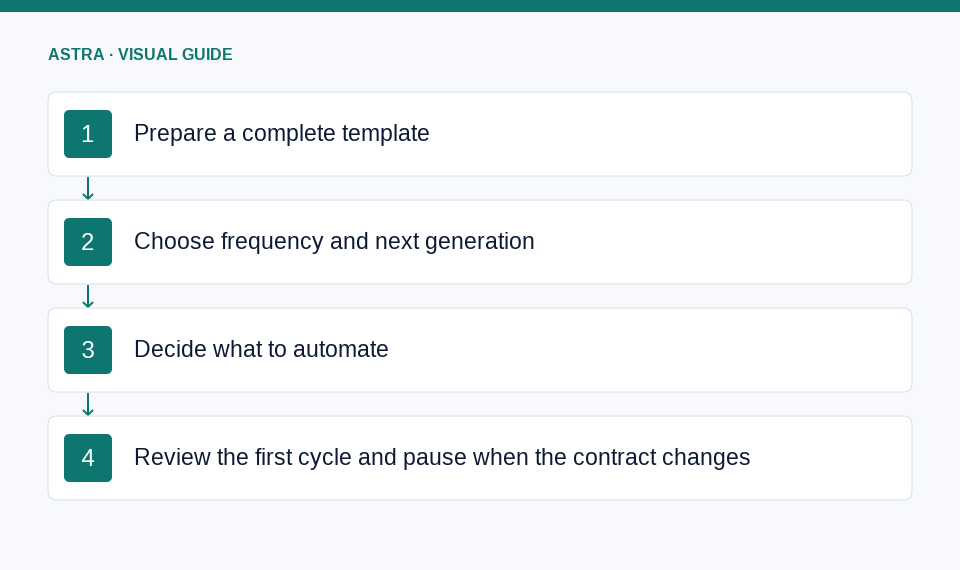
2. Choose frequency and next generation
Choose the interval and start date matching the contract. Review any end date and how to describe the billed period. Distinguish the invoice-generation date from the expected collection date.
3. Decide what to automate
Astra provides options for electronic submission and email delivery in recurrence settings. Review these controls. If variable amounts require approval, do not enable automatic submission before preparing that flow. Generating an invoice also does not by itself collect money.
4. Review the first cycle and pause when the contract changes
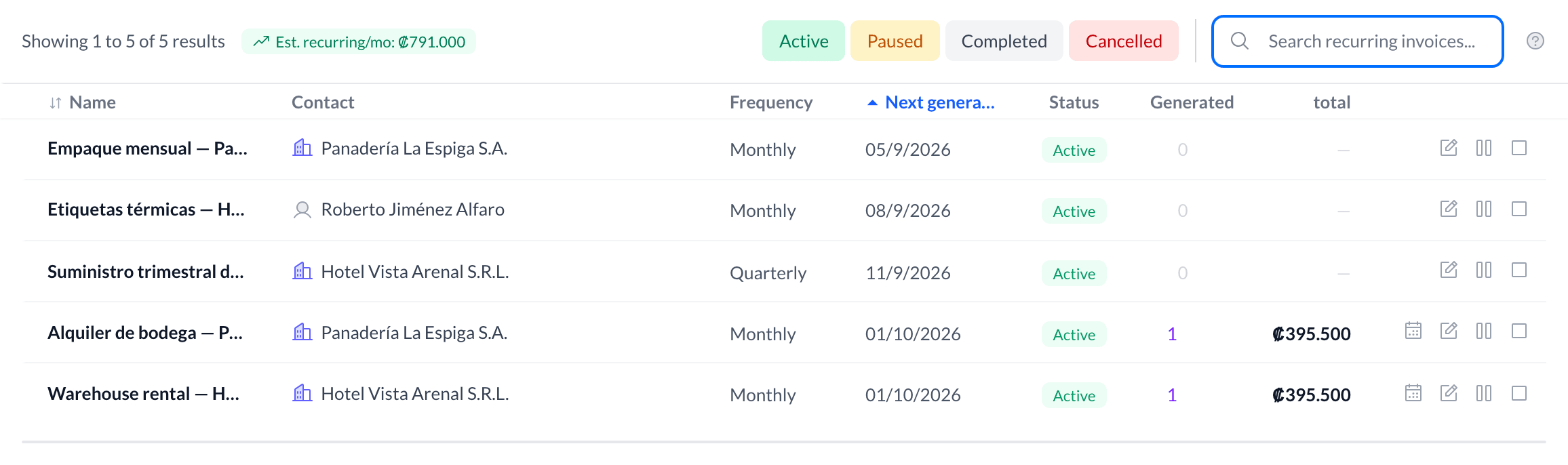
Check the first generated invoice, its files and balance. Verify the next date in the list. When service ends or terms change, pause or update recurrence before the next generation rather than correcting several documents afterward.
A mistake to avoid
Monthly generation does not mean monthly collection. Keep tracking payments and outstanding balances.
Before your next step
- Customer and identification have been reviewed.
- Lines, taxes and totals match the transaction.
- I checked the outcome and kept supporting evidence.
Where Astra fits
Astra brings customer details, line items and document tracking together so you can continue working without copying the same information again. Check tool availability in the plan you choose.
Explore this Astra tool →Frequently asked questions
Can I stop recurrence?
Yes. Astra lets you pause recurrence. Review its status and next generation after changing it.
General guidance for individuals and businesses in Costa Rica. Requirements vary by activity, municipality and institution. Confirm your case with the relevant institution and your accountant or notary.