How to find and add a CABYS code to an invoice
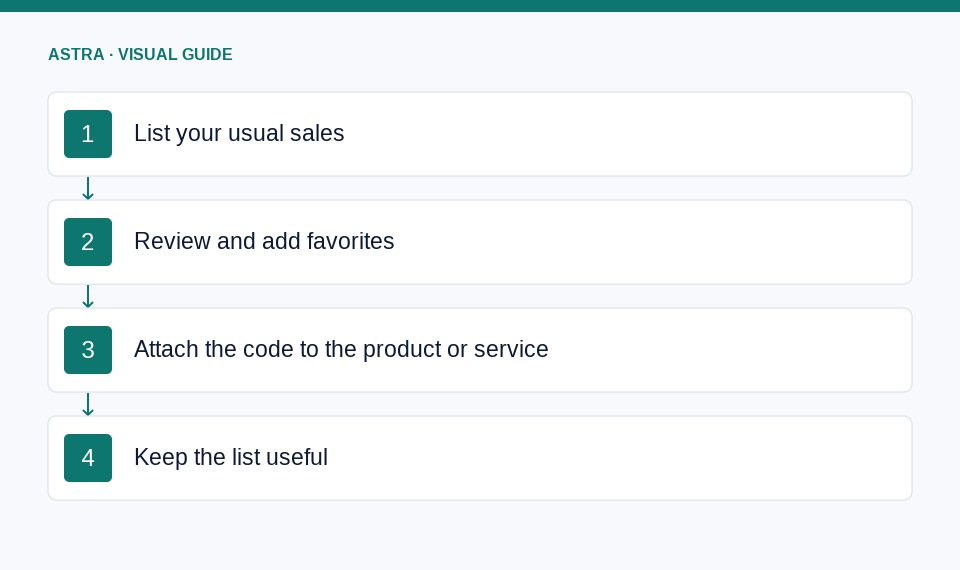
Find the code that describes what you sell, add it to the line and save it for your next invoice.
Does your invoice ask for a CABYS code? CABYS means Catálogo de Bienes y Servicios. It classifies the item or service, rather than the customer or your business activity. Start by describing what you sell, rather than copying another business’s code.
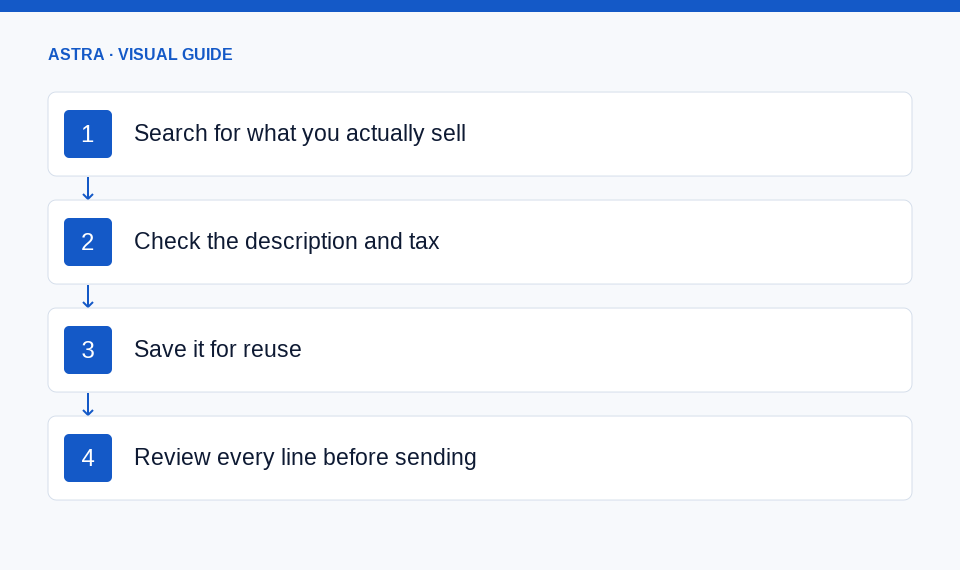
1. Search for what you actually sell
Open an invoice line and its CABYS selector. Use a specific description, such as bicycle repair rather than service. Compare the full descriptions. If you sell a part and charge installation separately, check the classification for each line.
2. Check the description and tax
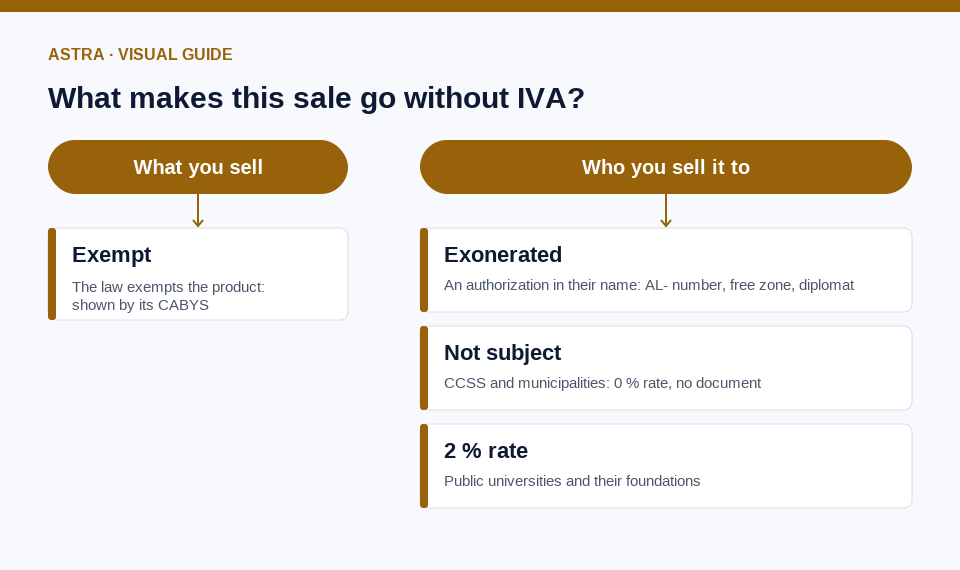
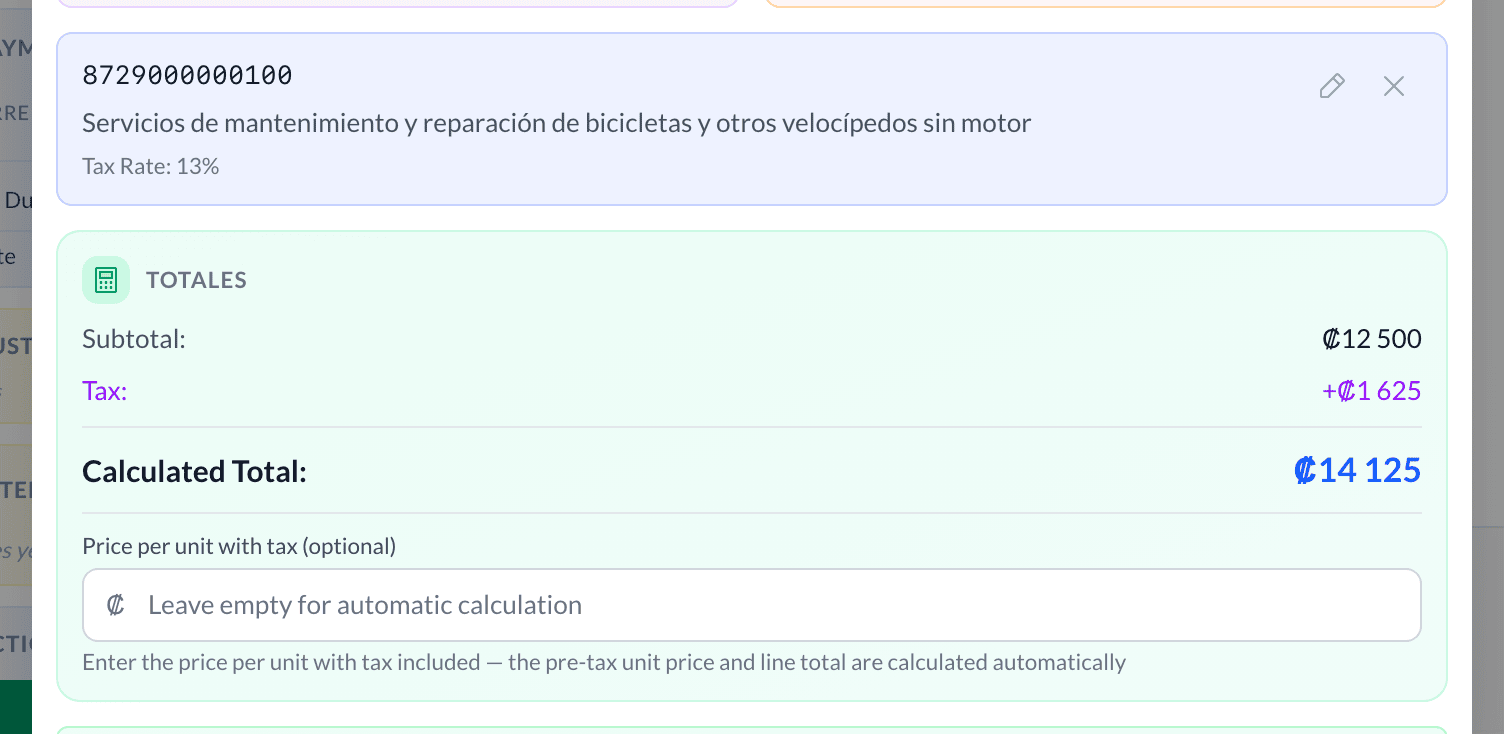
Select the code that matches the transaction. A similar word does not guarantee a match. Astra updates the line’s IVA rate when you select CABYS; also check whether the transaction has special tax treatment. The catalog does not replace a tax review of an exemption or a particular situation.
3. Save it for reuse
Keep the CABYS code on the catalog product. For a manual item, use Save as product for future use. Your next invoice can then start from those catalog details. A favorite makes a code easier to find, but it still needs to match what you sell.
4. Review every line before sending
The first line is not enough. Check the remaining lines, quantities and prices, then address validation notices. Astra checks the data before submission; when it identifies a problem, correct the indicated field on the invoice before continuing.
A mistake to avoid
Do not select a CABYS code just because it has a lower tax rate. Its description must match the item or service.
Before your next step
- The CABYS describes what I actually sell.
- I reviewed the rate and any special treatment.
- I saved the code on the appropriate product or favorite.
Where Astra fits
Astra brings customer details, line items and document tracking together so you can continue working without copying the same information again. Check tool availability in the plan you choose.
Explore this Astra tool →Frequently asked questions
Are CABYS and business activity codes the same?
No. CABYS classifies what you sell on a line; the business activity identifies the taxpayer’s registered activity.
General guidance for individuals and businesses in Costa Rica. Requirements vary by activity, municipality and institution. Confirm your case with the relevant institution and your accountant or notary.