How to create an electronic invoice in Astra, step by step
From customer to line items, review and submission: a short route to your first invoice.
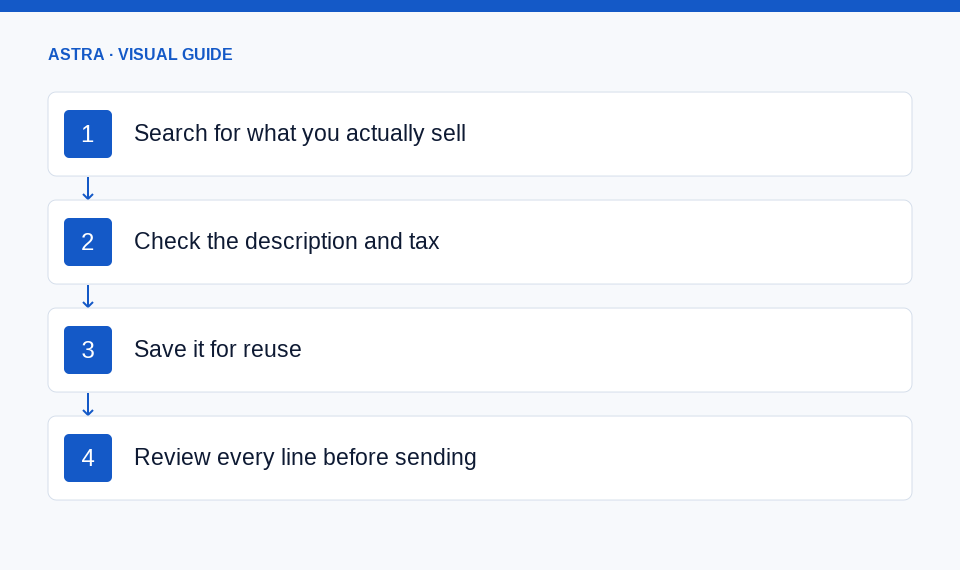
Your first invoice need not become an afternoon of trial and error. Prepare the customer and the sale, work in a draft, then review before sending. This guide assumes your organization has configured issuer identity, credentials and the signing key for the correct environment.
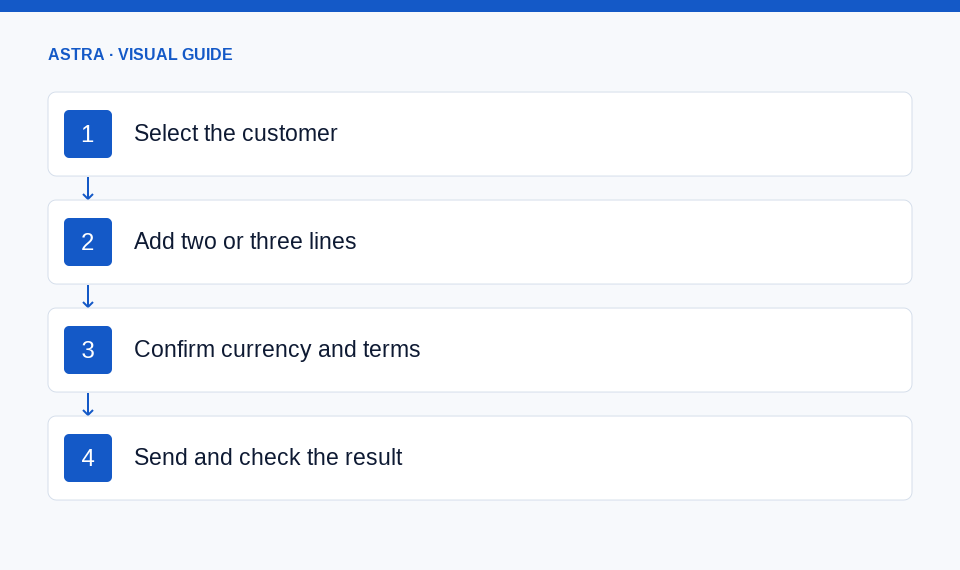
1. Select the customer
Open Invoices and create the document, or start a new invoice from the contact. Choose the correct customer and check identification and email. Review saved discounts or terms before applying them to this sale.
2. Add two or three lines
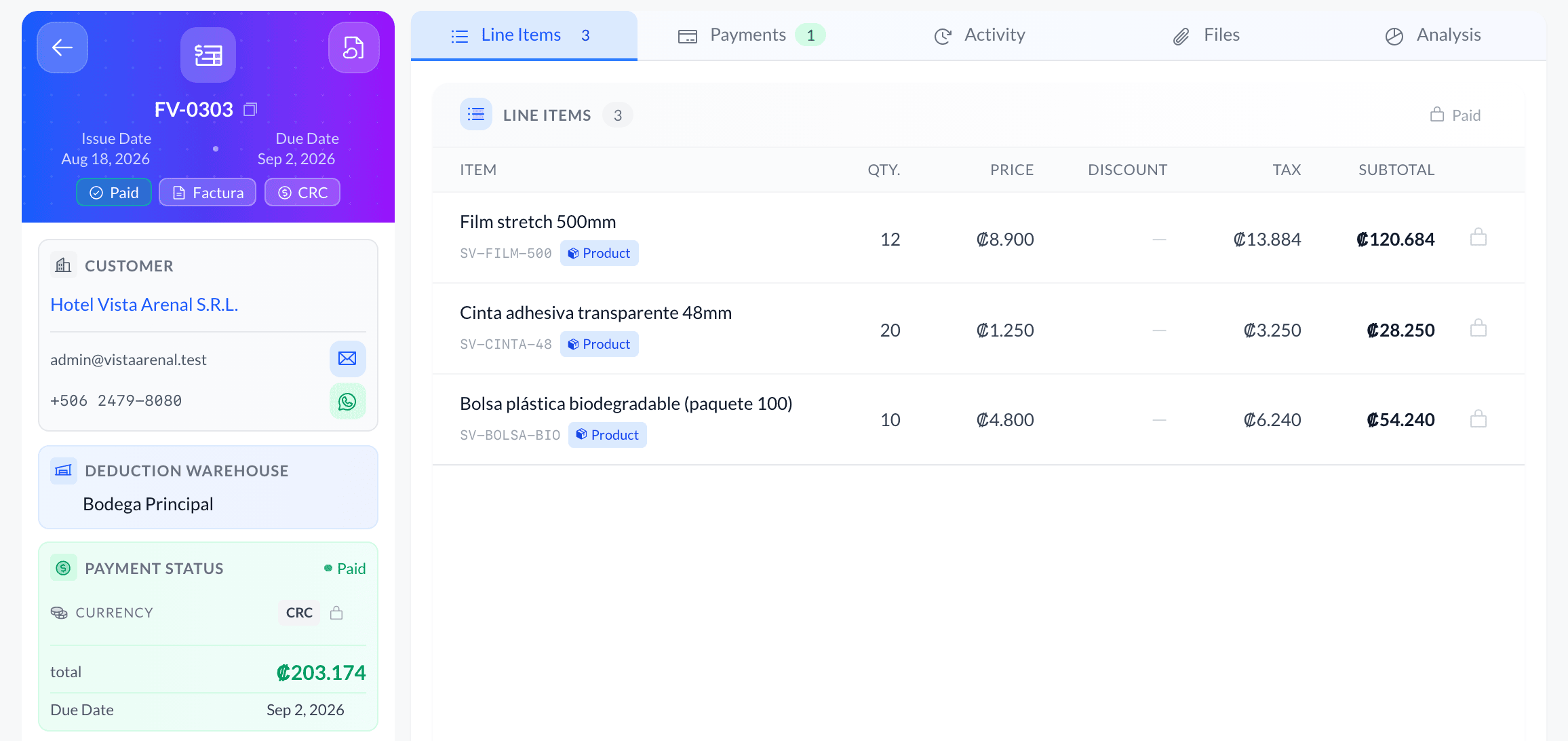
In Items, choose Add Item. Find a catalog product or create a manual item. For each line, check description, quantity, price, CABYS and tax. For example, a repair can separate service and parts; avoid a generic description that obscures the sale.
3. Confirm currency and terms
Open Electronic Invoice to check date, sale condition, payment method and credit term where applicable. Check currency and total. Illustrative example: a ₡10,000 base with 13% IVA totals ₡11,300; do not add tax twice if the price already includes it.
4. Send and check the result
Use the submission action for Hacienda. Astra validates the data, prepares and signs the XML, and handles submission. Correct any validation notices before proceeding. Then check electronic status and file delivery to the customer. Recording payment is separate: an accepted invoice can still be unpaid.
A mistake to avoid
Do not issue another invoice just because a response is delayed. Check the existing document’s status first.
Before your next step
- Customer and identification have been reviewed.
- Lines, taxes and totals match the transaction.
- I checked the outcome and kept supporting evidence.
Where Astra fits
Astra brings customer details, line items and document tracking together so you can continue working without copying the same information again. Check tool availability in the plan you choose.
Explore this Astra tool →Frequently asked questions
Are sending to the customer and submitting to Hacienda the same?
No. They are different destinations. Check electronic status and customer delivery, as well as payment status.
General guidance for individuals and businesses in Costa Rica. Requirements vary by activity, municipality and institution. Confirm your case with the relevant institution and your accountant or notary.