Review accounting with AI and approve specific changes
Use Claude or ChatGPT to review evidence, propose actions and verify results without unlimited approval.
AI can help find outstanding items and explain figures. Astra permissions remain those of the connected user. Suggestions do not guarantee complete figures or replace supporting evidence.
Connect and begin with reading
Open Settings → AI assistants and follow the existing client-connection instructions. Request a specific period and distinguish facts, missing information and assumptions. For example, ask for a June review explaining outstanding balances and unverified checks. Do not put Hacienda credentials in the conversation.
- Read evidence
- Specific preview
- Approval in Astra
- Record and verify once
Each step has its own record and evidence.
Review the proposal in Astra
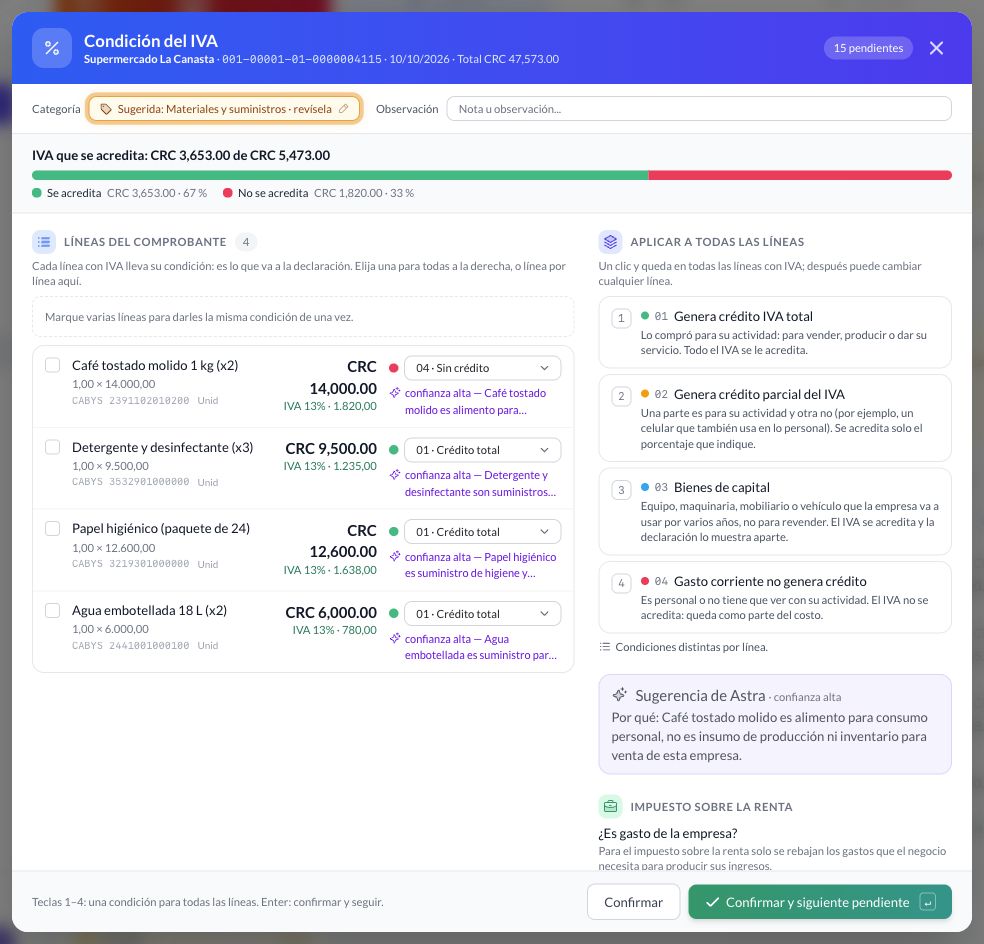
Request a preview for financial changes. Open assistant proposals in Astra and inspect date, amount, accounts, document and effect. Approval applies to that proposal, user and organization and expires after 20 minutes. Relevant data changes require a new proposal; chat confirmation does not replace approval in Astra.
Verify the result and boundaries
After a change, review the record and balance. Retrying the same committed approval returns the existing result instead of repeating a payment or journal entry. Recording payment does not transfer bank money. AI-assisted preparation does not submit or pay a return; verify those steps and receipts separately.
How do I know this step is complete?
I verified results without assuming tax submission or payment. Verify the record and evidence, rather than just checking that a notice disappeared.
Before your next step
- I reviewed facts and assumptions separately.
- I approved the exact proposal in Astra.
- I verified results without assuming tax submission or payment.
Where Astra fits
Use the assistant to query and propose changes to specific records. Review what will change before authorizing it.
Explore this Astra tool →Frequently asked questions
Can AI approve my close for me?
No. Review records and proposed changes, their evidence and scope. Approval belongs to a person with the required permissions.
General guidance for individuals and businesses in Costa Rica. Requirements vary by activity, municipality and institution. Confirm your case with the relevant institution and your accountant or notary.