Understand your results and review the monthly close
Use My accounting to distinguish complete, pending, not applicable and unverified checks before approval.
Closing books prevents posting changes in that period. Review the evidence first; the closing button is not an automatic certification of every transaction.
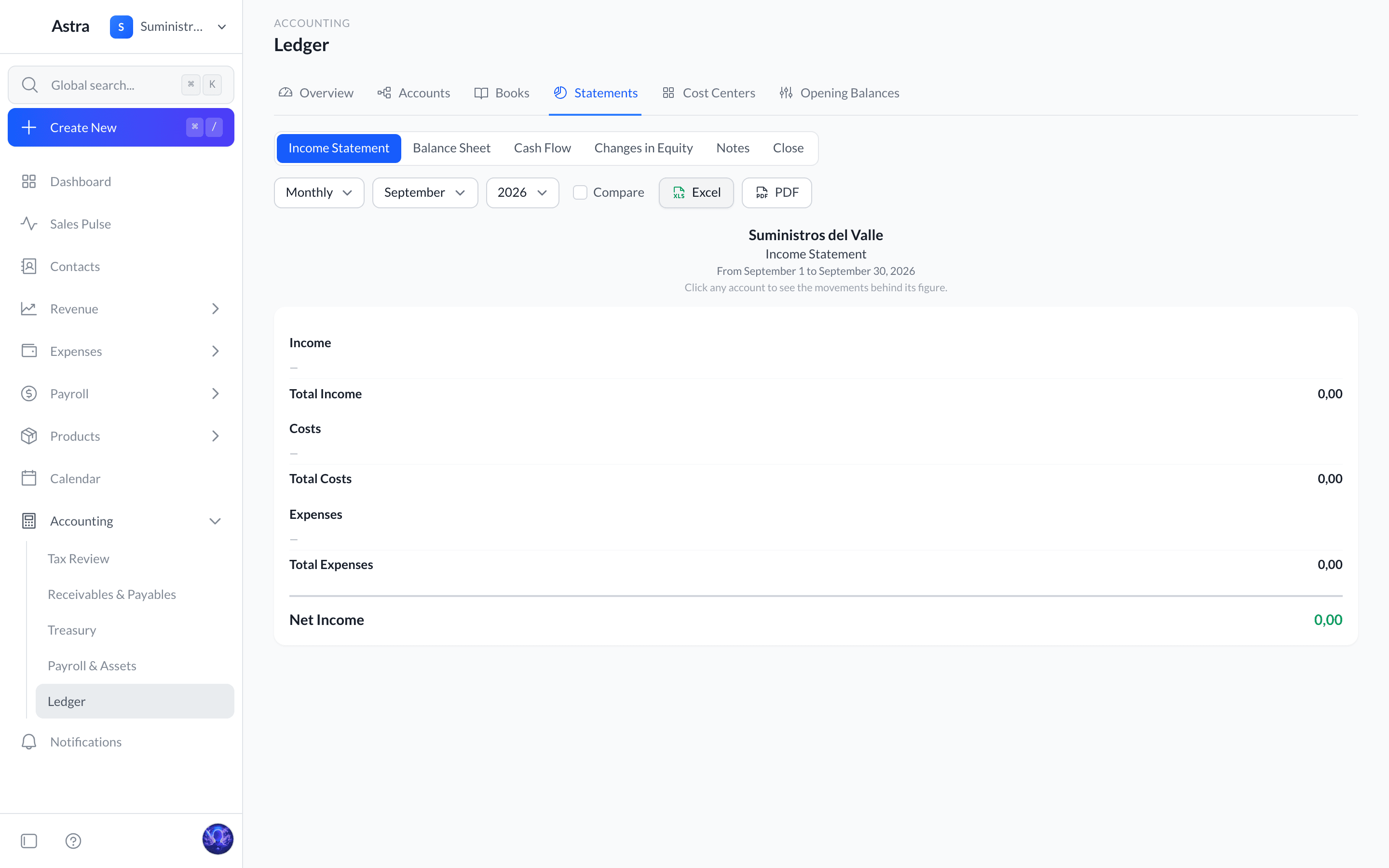
Read the three statements together
Compare revenue and expenses with receivables, payables, cash, debt and inventory. Read profit, the balance sheet and cash flow together. Higher profit without more cash may reflect uncollected sales; loan proceeds are not sales revenue.
- Monthly review
- Resolved items
- Approval of current data
- Books closed
Each step has its own record and evidence.
Review the monthly checklist
Choose month and year in My accounting. Check starting figures, sync, posting failures, held purchases, orders awaiting bills, full bank coverage, registers and exchange differences. Configuration and failed postings cover the organization; other checks identify their period.
Save, approve and retain evidence
Cannot verify never means complete. Resolve items through linked tools and refresh after changes. The guided close stores review evidence and checks again before closing. Tax preparation, submission or payment may still be pending after the books are closed.
How do I know this step is complete?
I know which tax steps remain pending. Verify the record and evidence, rather than just checking that a notice disappeared.
Before your next step
- I did not mistake unverified for complete.
- I reviewed all three statements and evidence.
- I know which tax steps remain pending.
Where Astra fits
In My accounting, choose the month and review each step’s status. Resolve outstanding items before approval and closing books.
Explore this Astra tool →Frequently asked questions
Can I close the month with documents outstanding?
Resolve or document outstanding items before approval. Closing books restricts period changes; it does not certify that information is complete.
General guidance for individuals and businesses in Costa Rica. Requirements vary by activity, municipality and institution. Confirm your case with the relevant institution and your accountant or notary.