How to build a customer acquisition system
Choose whom to attract, define an offer and follow each inquiry through to a sale. Organize contacts and costs in Astra without confusing clicks with customers.
Publishing more does not always produce better inquiries. An acquisition system connects a specific need with an offer, a way to get in touch and a person who responds. Start with a channel you can support and measure what happens after the first message: who inquires, who buys and what acquisition costs.
Choose a customer and a specific problem
Describe whom you can help and what they need to solve now. “People who need design” is broad; “restaurants needing to update a menu before opening” provides a clearer direction for content and the offer. Talk to real customers and record their questions without publishing private details.
The channel depends on how that person searches or decides: a search guide, a professional referral and a social post may serve different purposes. Start with a hypothesis, a limited budget or time commitment and an agreed review. You do not need to be active on every platform at once.
Prepare an offer you can deliver
Explain the outcome, what is included, what the customer must provide and the next step. If you show a starting price, clarify its conditions and taxes. If you ask visitors to book or request a quote, explain which details you need to respond. Page promises must match actual delivery capacity.
Build content around useful questions: what to prepare, what to choose and which mistake to avoid. To make production repeatable, assign who gathers questions, writes, checks claims and publishes. Retain versions and review dates. Reusing a sound approach is more useful than repeating sales messages without new information.
- Answer a question
- Show a clear offer
- Receive the inquiry
- Assign the next step
Acquisition includes the response: an inquiry without follow-up loses continuity.
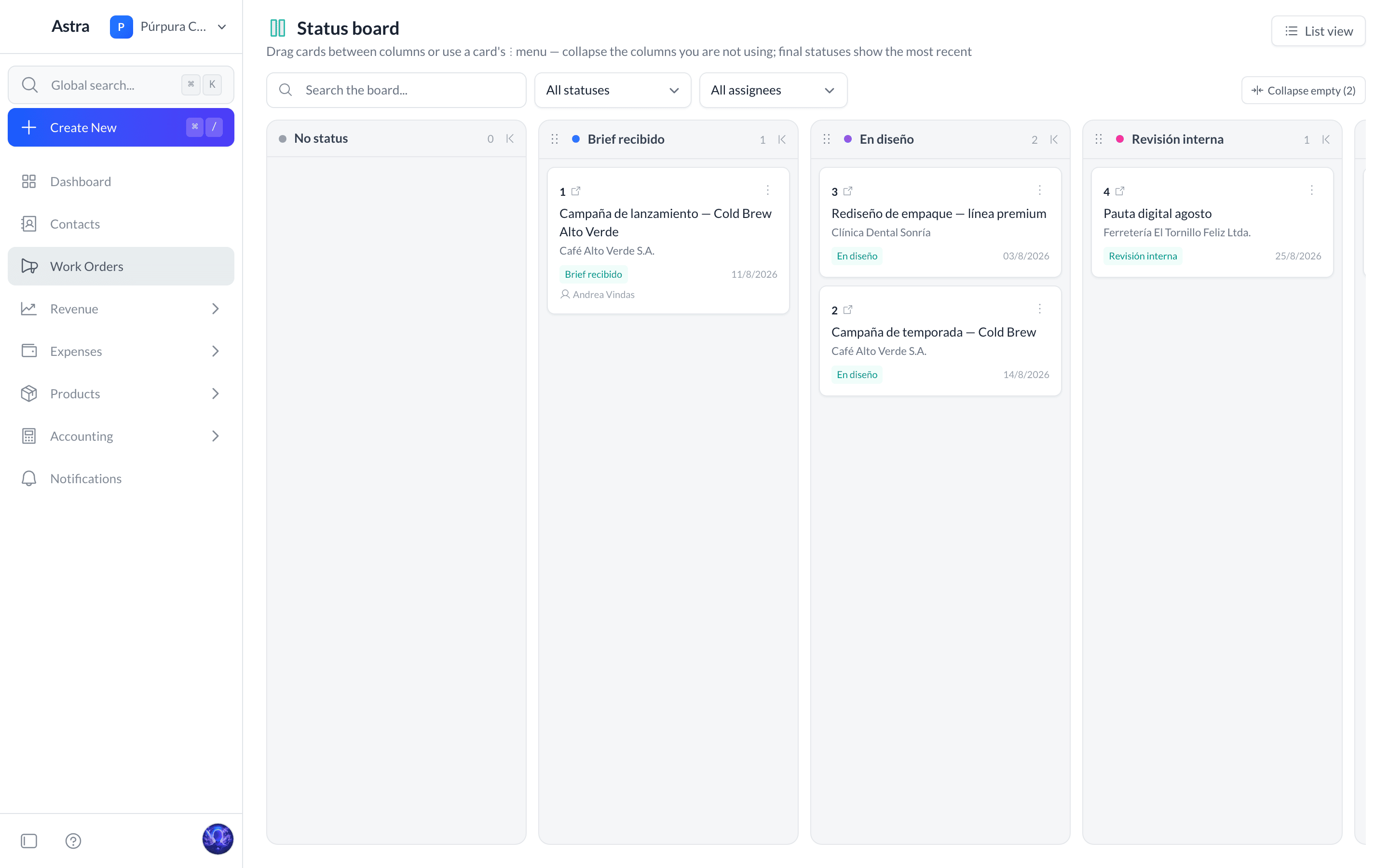
Record the inquiry and next step in Astra
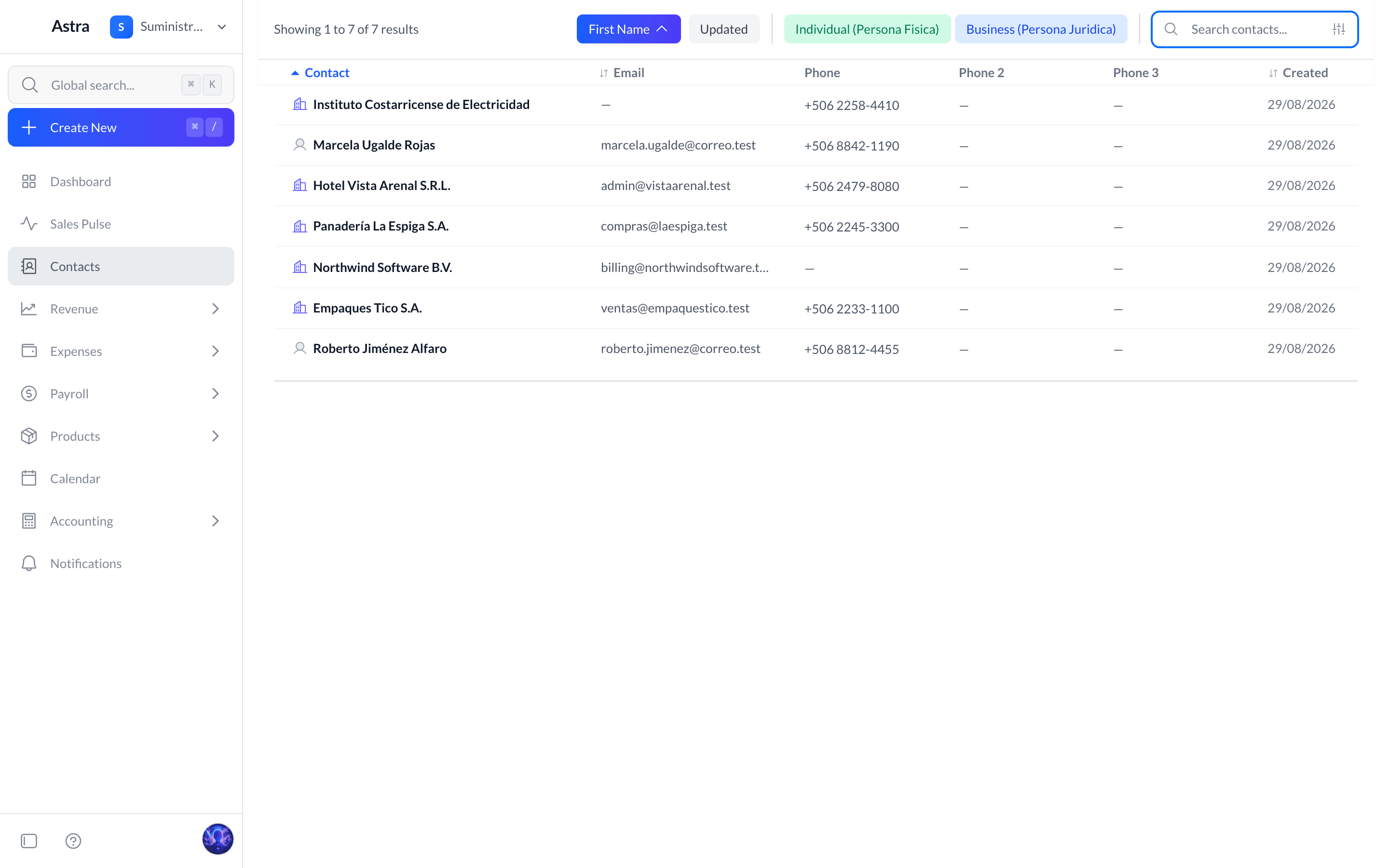
Create or find the contact before duplicating information. Astra supports customers, suppliers and prospects; a prospect is someone still considering a purchase. In notes, record the source channel, need, discussion, response owner and next-action date. Use tags to group cases with a shared criterion.
We propose recording the source manually here. Astra does not replace the advertising platform, and we are not claiming it automatically imports every lead or attributes every sale to an ad. If a customer does not know how they arrived, record “unknown” rather than inventing a source.
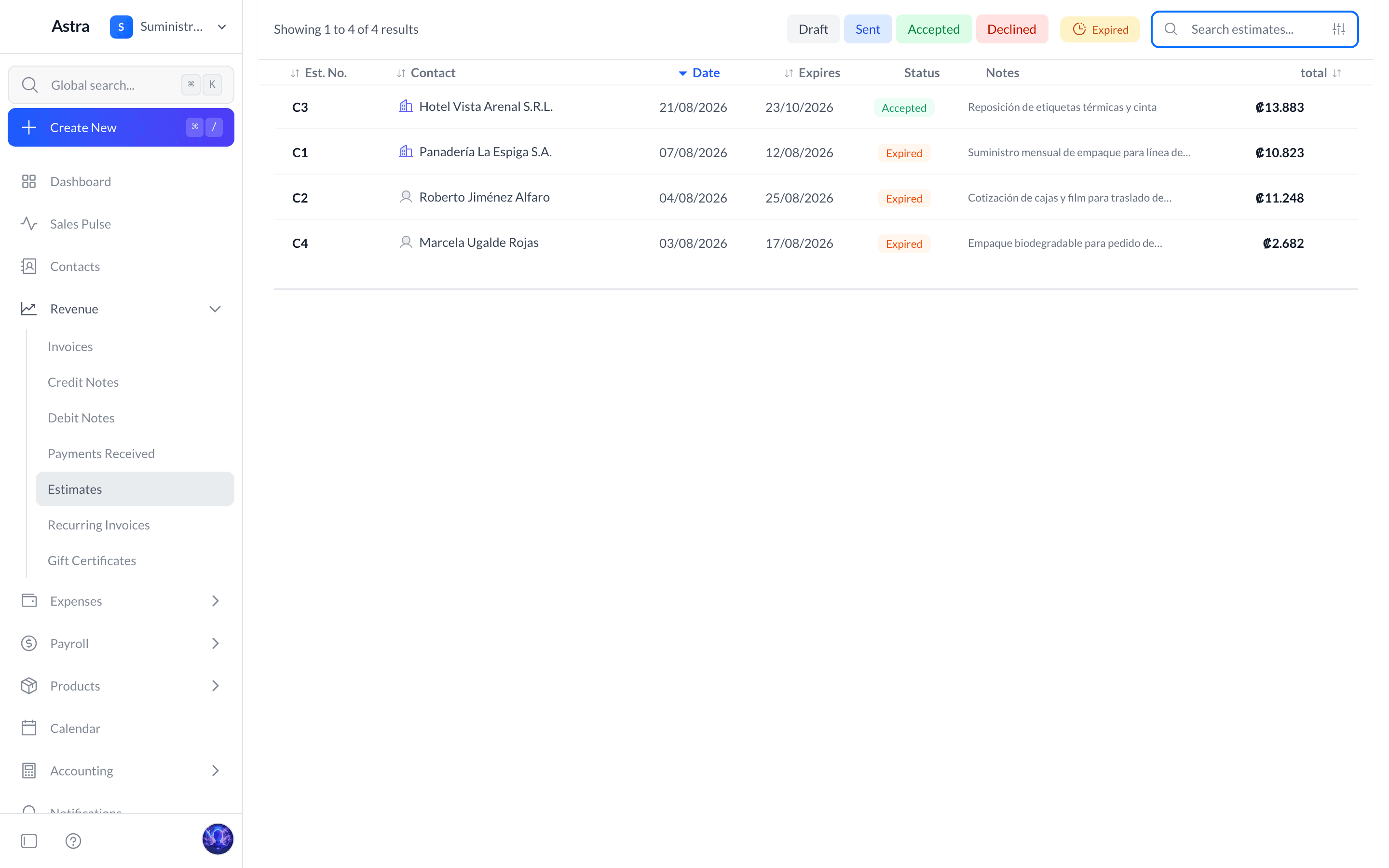
When interest and scope are sufficiently clear, create the quote for that contact. The proposal and subsequent invoices help track the commercial outcome. An inquiry is qualified only if it meets your defined criteria, such as a suitable need and a feasible timeline.
Measure outcomes and calculate the right cost
Distinguish reach, clicks, qualified inquiries and new customers. Google Ads supports configuring valuable actions such as purchases, signups or calls as conversions. That measurement requires setup in the relevant platform; clicking Contact does not prove someone bought.
Review a cohort: a group of inquiries received during the same period with time to decide. Counting existing-customer sales alongside new inquiries may make a campaign appear to convert better than the evidence supports. Also distinguish a confirmed purchase, an issued invoice and a received payment.
| Paid advertising | ₡100,000 |
|---|---|
| Qualified inquiries | 40 → ₡2,500 of advertising per inquiry |
| Confirmed new customers | 10 → ₡10,000 of advertising per customer |
| Costs not yet included | Staff time, content production and tools. |
These are illustrative figures, not Astra results. Full acquisition cost includes those resources; sales revenue is not profit.
Connect spending with a weekly decision
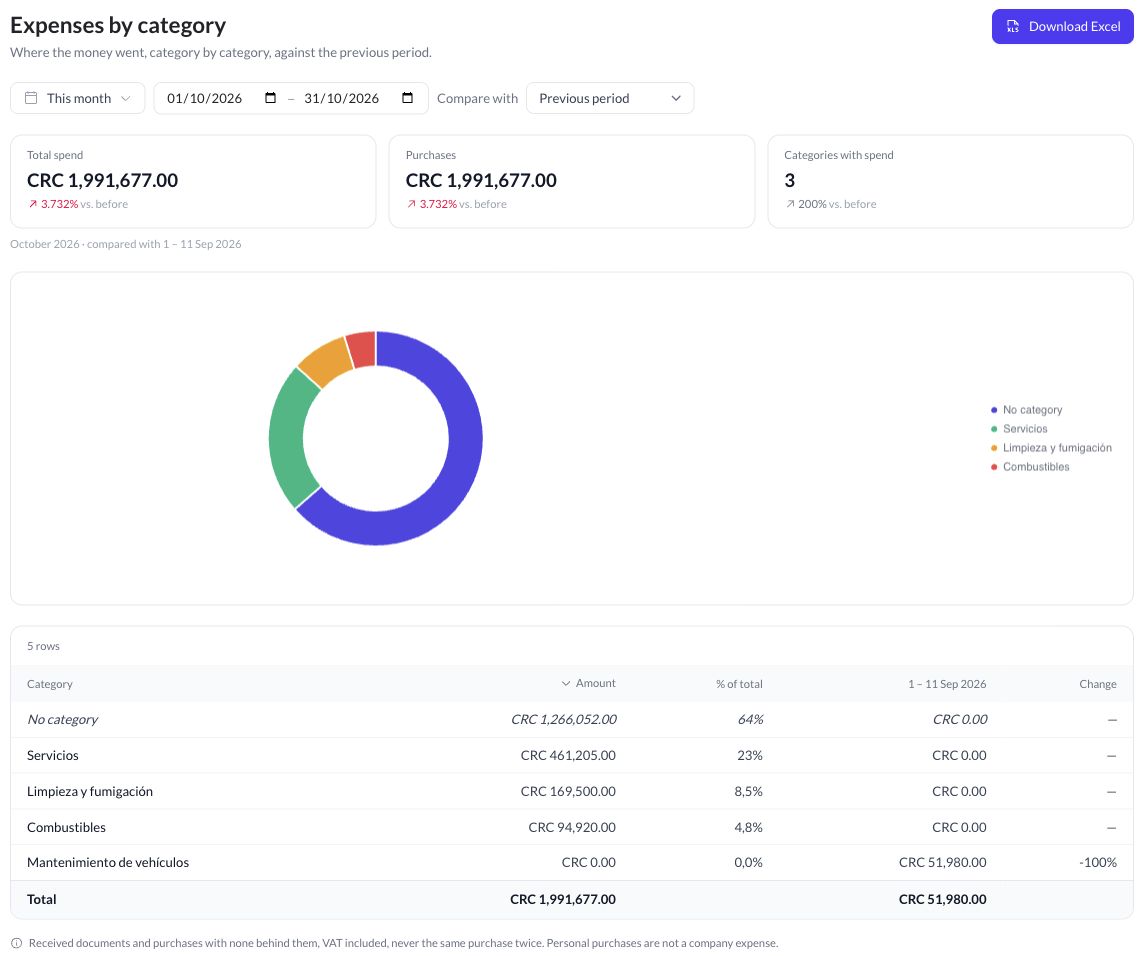
In an ERP plan, record and classify advertising, service and tool expenses. The Expenses by category report helps review spending categories and compare periods. AI assistance available in Contabilidad Pro can guide classification; confirm the actual use and accounting treatment.
Compare your records with acquisition-platform data and sales associated with the contacts reviewed. If inquiries grow but few qualify, change the audience or offer. If they qualify but go unanswered, fix follow-up. If many people buy but contribution does not cover costs, review price, scope or channel before expanding the budget.
Before your next step
- I defined whom I attract and which problem I solve.
- The offer matches my capacity and its conditions are clear.
- Each inquiry has a record, owner and next action.
- I separated clicks, qualified inquiries and new customers.
- I included team resources in acquisition costs.
Where Astra fits
Astra provides contacts, notes and quotes to continue the commercial relationship. Accounting / ERP plans add expenses and reports; accounting AI assistance requires Contabilidad Pro, from ERP Pro and subject to quota. Ads, their publication and conversion tracking are configured in the relevant external platforms.
Test one channel, record the source and finish the review with sales and costs. The initial goal is to know which inquiries became customers and what needs improving along the way.
Explore this Astra tool →Frequently asked questions
Can I measure everything in Astra?
You can organize contacts and commercial and accounting records. Reach, click and advertising-attribution data depend on the external platform and its setup; this process does not gather them automatically.
Should I open profiles on every social network?
Choose based on your customers, resources and response capacity. A controlled test with a clear offer helps you learn before adding channels.
General guidance for individuals and businesses in Costa Rica. Requirements vary by activity, municipality and institution. Confirm your case with the relevant institution and your accountant or notary.