How to organize sales closing and payment
Move from an inquiry to a clear quote and a verified payment. Track proposals, invoices and balances in Astra with defined owners and next steps.
A sale can be lost through unclear information or missing follow-up. It can also appear closed when payment is still outstanding. Organize a workflow that helps the customer decide, preserves evidence of the agreement and lets the team distinguish a proposal, acceptance, invoice and payment.
Adapt the conversation to the decision
A familiar product purchase may need availability, price, delivery and payment information. A service with variable scope needs discovery before quoting. Do not force everyone through a lengthy interview or send a fixed price when essential details are missing.
Ask what outcome they want, when they need it, what constraints exist and who approves. If budget affects the options, discuss a range and explain the differences. Record the answers with the contact so another person can continue without asking everything again.
| Outcome | What do you need this work to deliver or solve? |
|---|---|
| Scope | Which materials exist, and what must we produce? |
| Decision | Who approves the proposal and final version? |
| Timing and conditions | Which date is required, and how will we agree on payments and changes? |
Use questions to understand and advise without manufacturing urgency or promising outcomes you cannot control.
Prepare a quote that prevents surprises
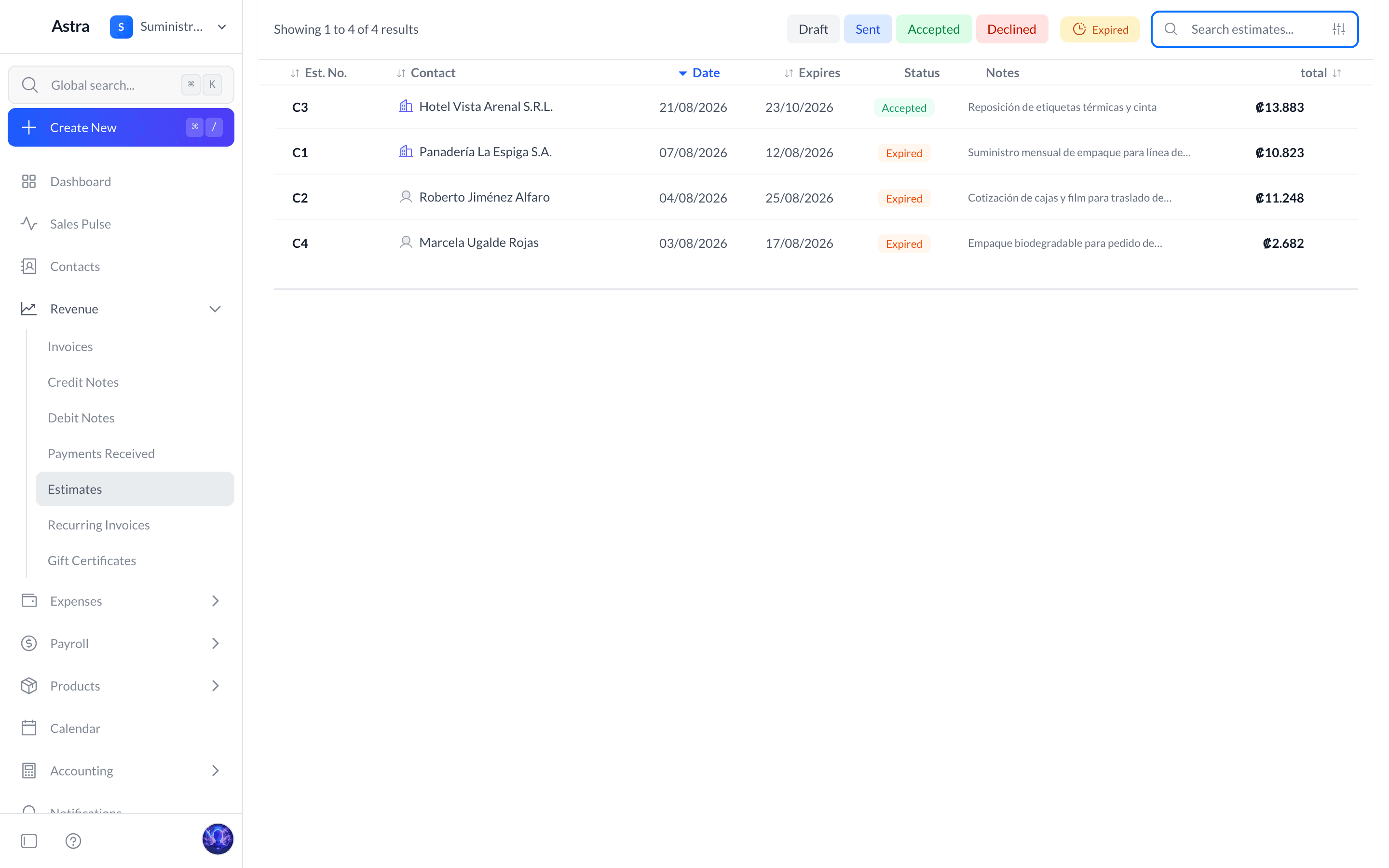
In Astra Quotes, choose the customer and detail products or services, quantities, prices, discounts, currency and applicable taxes. Set validity and add notes covering scope, deliverables, exclusions, expected timing and payment conditions. Review the details before sending through an available channel.
Astra distinguishes draft, sent, accepted and rejected quotes and lets you review validity. Status should reflect what happened. Keep acceptance evidence and document additional agreements; do not mark a quote accepted just because someone opened a file or asked a question.
Follow each proposal with a concrete action
Agree on who follows up and when. A useful note says “confirm the format with the approver on Thursday,” not simply “follow up.” Ask what is missing for a decision: information, approval, budget or a scope change. If the person does not want to continue, record the closure and reason.
In Astra, filter quotes by status and validity to review outstanding proposals. This method combines the list with notes and team responsibility; it does not assume an automatic message sequence for every quote. If an accepted proposal must change, duplicate it to prepare a new version and retain the agreement history.
Distinguish acceptance, invoice and money received
An accepted quote can be converted to an invoice in Astra, retaining its details and link. If an electronic invoice is required, it still needs review and issuance through the applicable process. Creating or converting a document does not mean Hacienda accepted it or that money was received.
Record a payment when there is evidence and apply it to the correct invoice. A partial payment leaves a balance. Review outstanding amounts and due dates in the collection tools available under your plan. When using bank records in ERP, reconcile with the corresponding transaction: a promise or customer notification alone does not confirm a deposit.
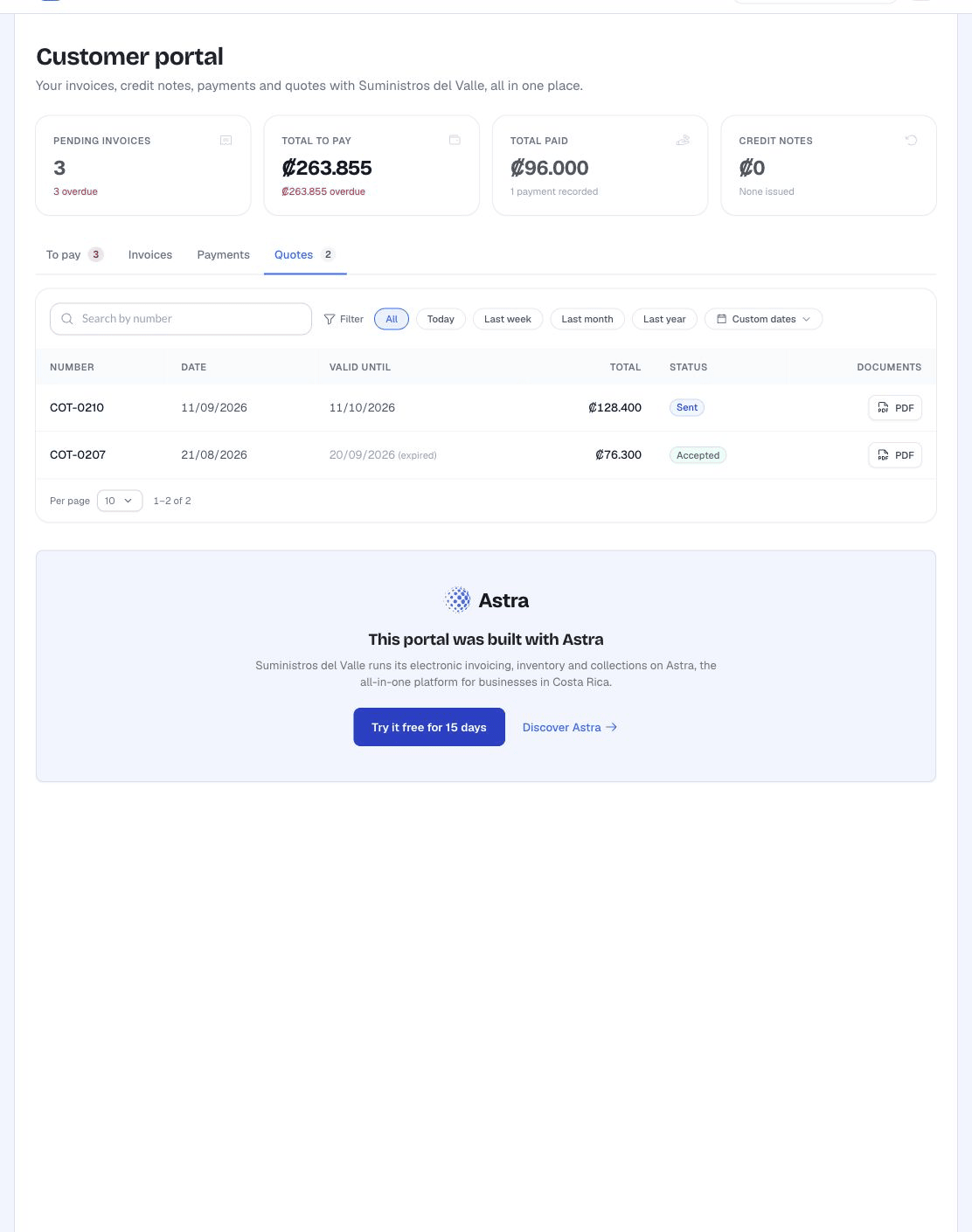
The customer portal provides access to documents and balances. Use it to simplify the conversation while retaining internal review of payments and agreements. The customer and team should be able to identify what was quoted, what was invoiced and what remains due.
- Proposal approved
- Delivery agreed
- Correct invoice
- Payment verified
The timing of deposits and delivery depends on your agreement. These are distinct checks, not a universal tax sequence.
Review where sales stall
Compare proposals from the same period with enough time for a decision. Fictional example: five of twenty sent proposals were accepted, or 25%. Others remain pending; do not count them as rejections while the decision is still open. Also review how many accepted proposals were delivered and paid.
If scope is unclear, improve the proposal. If responses take too long, review capacity and ownership. If quotes are accepted but payment is delayed, review terms and balance follow-up. Use records or exports to calculate the workflow; an acceptance rate is neither a collection rate nor a profitability measure.
Before your next step
- I understood the need and who makes the decision.
- I documented scope, terms, validity and taxes.
- Each pending proposal has an owner and next action.
- I retained acceptance and reviewed issuance and delivery.
- I recorded verified payments and reviewed balances.
Where Astra fits
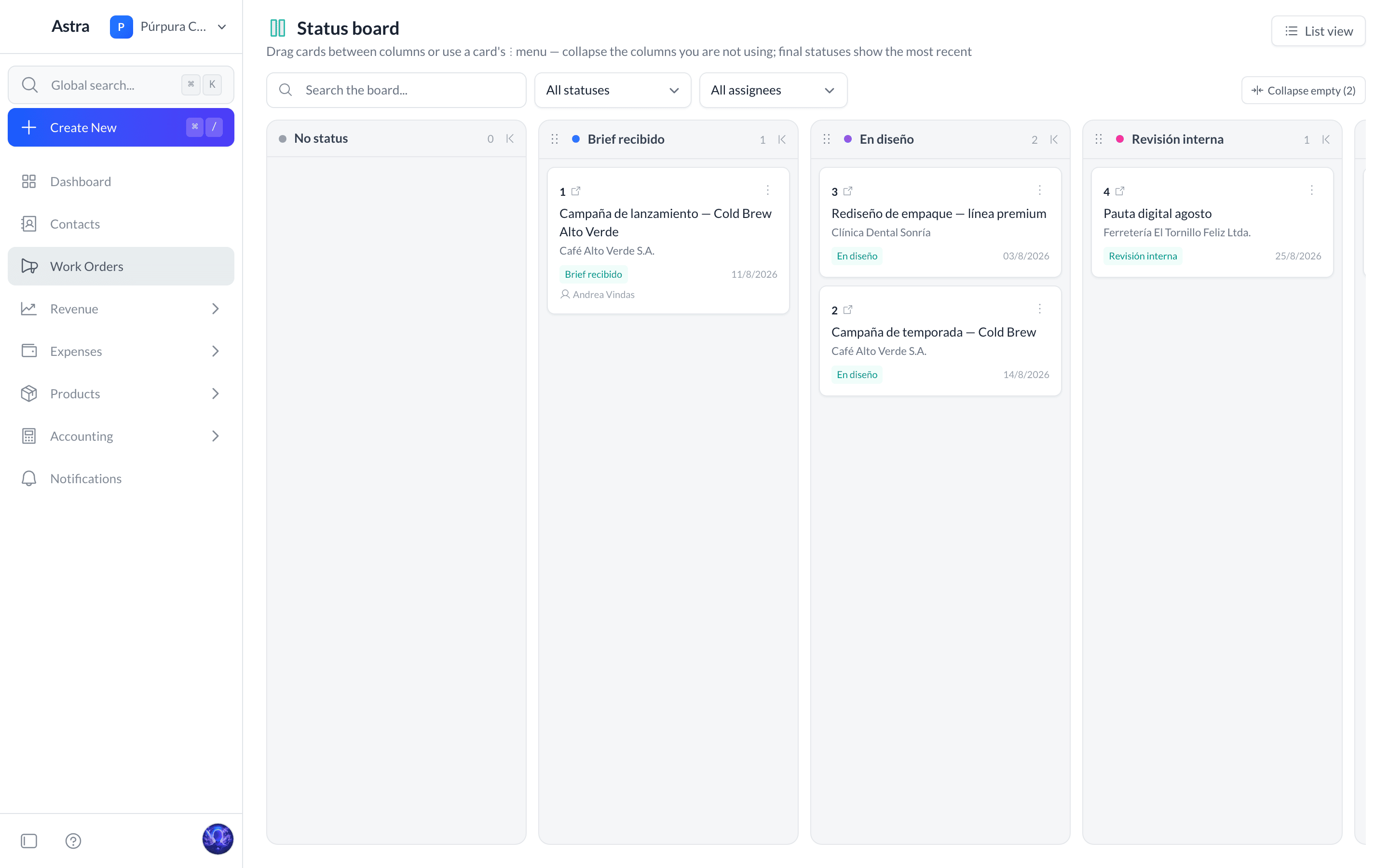
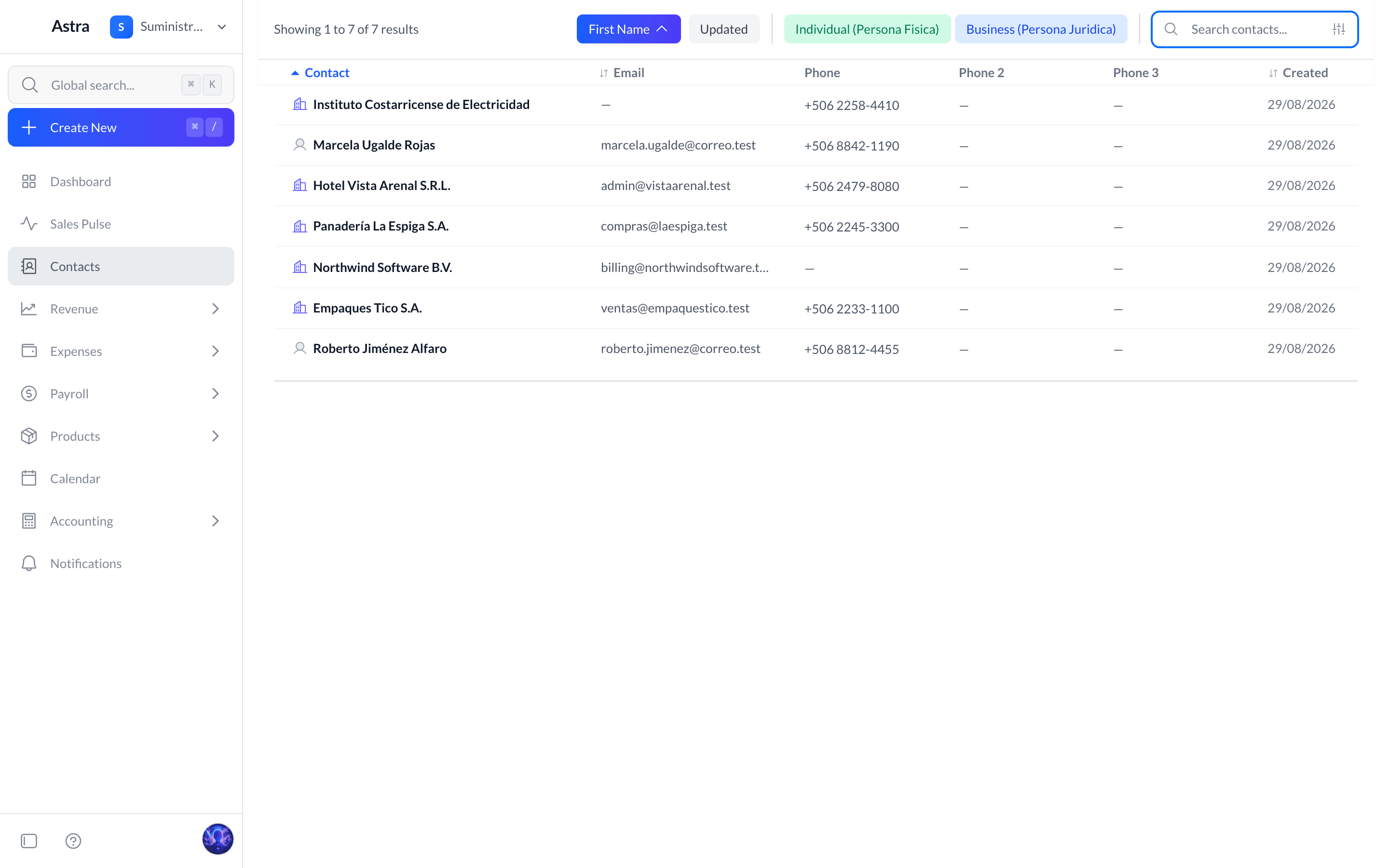
Astra connects contacts, quotes, invoices and payments to preserve the commercial workflow. Plans and permissions determine available collection tools; banks, reconciliation and accounting belong to Accounting / ERP. Work Orders is an ERP add-on for following execution when your activity requires it.
Start by reviewing sent quotes: update what happened and note the next action. Then check balances from accepted sales. This shows both opportunities and money still to be received.
Explore this Astra tool →Frequently asked questions
Does converting a quote automatically collect payment?
No. Conversion prepares the invoice. Electronic submission, Hacienda’s response and payment have separate processes and checks.
Does an issued invoice prove money has been received?
No. Review applied payments and the balance. A credit sale can be invoiced while payment remains outstanding.
General guidance for individuals and businesses in Costa Rica. Requirements vary by activity, municipality and institution. Confirm your case with the relevant institution and your accountant or notary.